
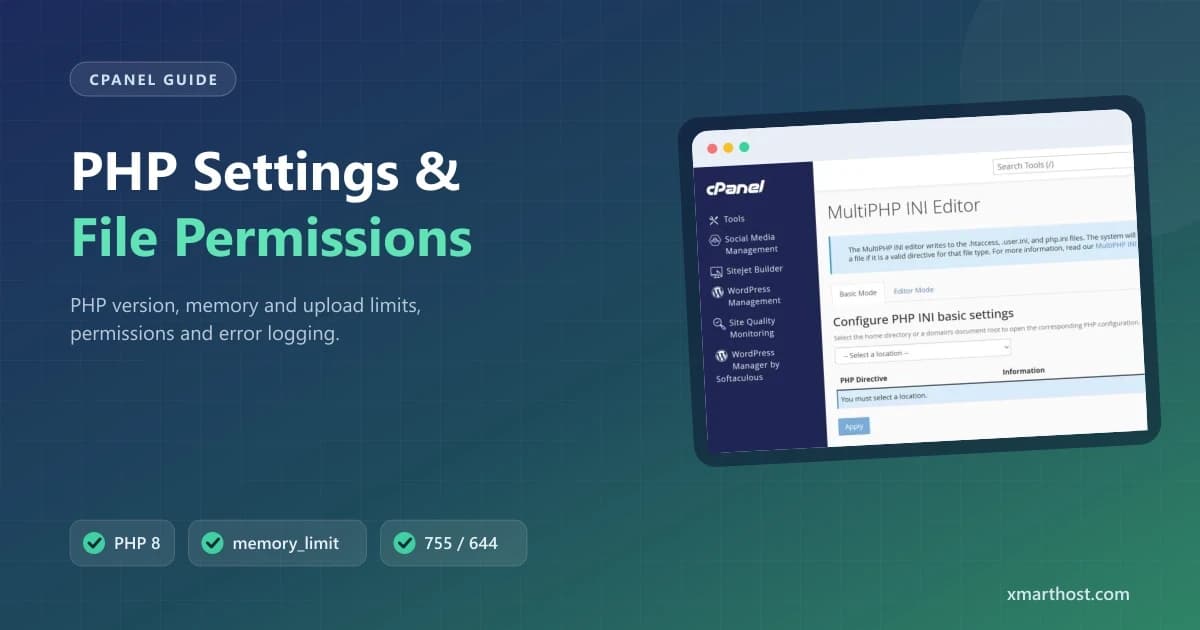
Many website problems – upload failures, white screens, "permission denied" and memory errors – are fixed with a few PHP settings and the right file permissions. This guide shows where to change each one in cPanel and which values are safe.
Screenshots come from a real cPanel account with domains and usernames replaced by example values.
Choose the PHP version
Open Software → Select PHP Version (or MultiPHP Manager). Pick a supported version your site works with – current WordPress and most plugins run best on PHP 8.1–8.3. After changing, test the site; if it breaks, switch back and update the theme or plugin that is not compatible.
Change memory, upload and time limits
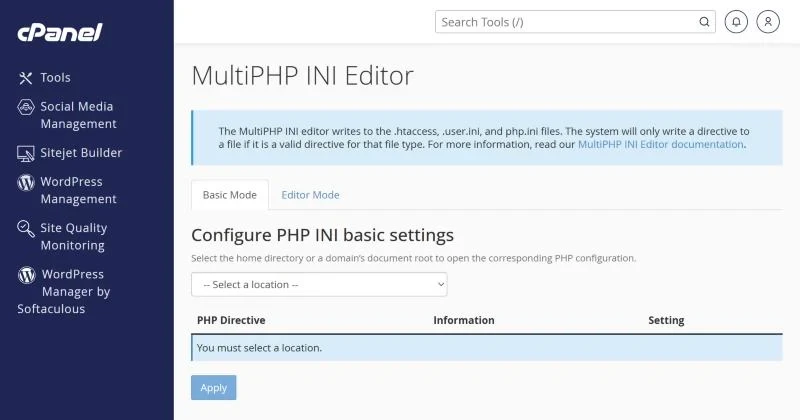
Open Software → MultiPHP INI Editor, select the domain in Basic Mode and adjust:
| Setting | Typical value | Fixes |
|---|---|---|
| memory_limit | 256M | "Allowed memory size exhausted" |
| upload_max_filesize | 64M–128M | "File exceeds the maximum upload size" |
| post_max_size | Same or larger than upload size | Large forms and uploads silently failing |
| max_execution_time | 120–300 | Imports and backups stopping halfway |
| max_input_vars | 3000–5000 | Menus or page builder settings not saving |
Plan limits still apply – setting a huge memory limit won't give the account more RAM than its plan.
File and folder permissions
- Folders: 755
- Files: 644
- Configuration files with passwords (wp-config, .env): 600 or 640
- Never 777 – the server refuses to run such files and shows a 500 error.
In File Manager select a file or folder and click Permissions. For many files at once ask support to reset them – it takes seconds on our side.
Show PHP errors (temporarily)
A blank white page usually hides a PHP error. Either read the log in Metrics → Errors or turn on display_errors in MultiPHP INI Editor for a few minutes while you test. Turn it off again – visible errors reveal paths to attackers. WordPress users can use WP_DEBUG_LOG instead (see the 500 error guide).
WordPress-specific errors
- "Briefly unavailable for scheduled maintenance" – delete the
.maintenancefile in the site folder. - "There has been a critical error" – check the email WordPress sent to the admin with a recovery-mode link, or the error log.
- Updates fail with "Could not create directory" – folder permissions or a full disk.
CGI scripts
Perl/CGI scripts must be uploaded in ASCII mode, have permission 755 and use Unix line endings; the first line must point to the correct interpreter (#!/usr/bin/perl).
Frequently asked questions
Why don't my php.ini changes work?
The domain may use a different PHP version than the one you edited, or the setting is overridden in .user.ini. Use MultiPHP INI Editor for the exact domain.
Is PHP 7.4 still safe?
No. It no longer receives security updates; plan an upgrade to PHP 8.x.
Built for WordPress and PHP. Our WordPress hosting runs LiteSpeed with selectable PHP versions and adjustable limits. Not sure which plan? See web hosting in Pakistan.