
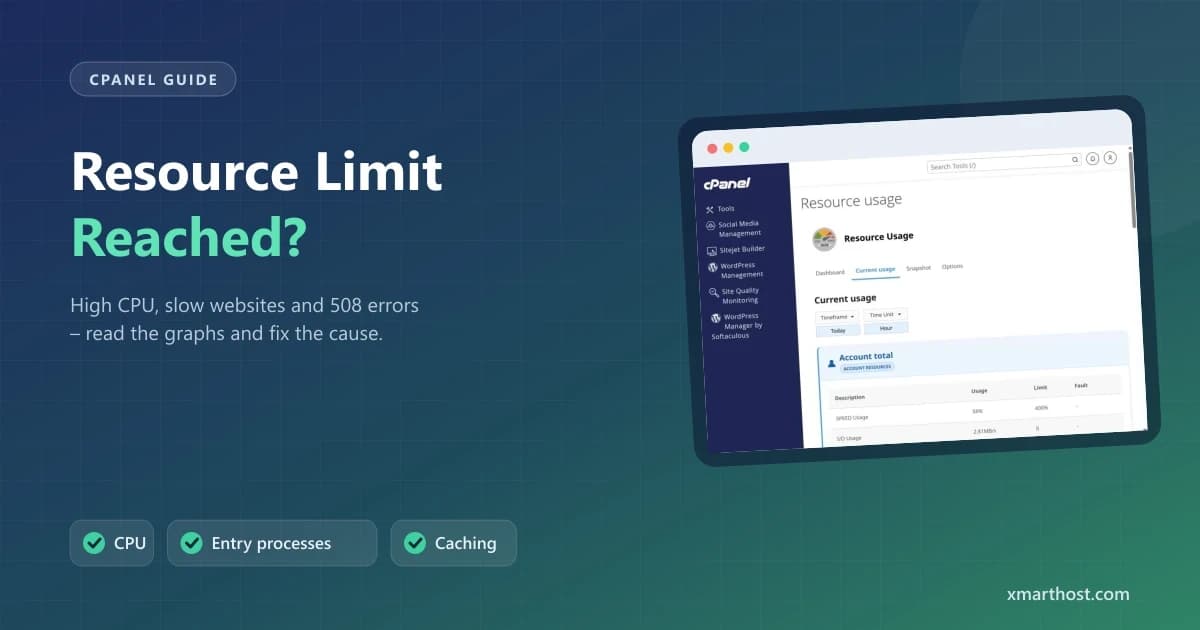
On shared hosting every account gets a fixed share of CPU, memory, disk speed (I/O) and simultaneous processes. When a website needs more than its share, it slows down or shows "508 Resource Limit Is Reached". The good news: cPanel shows exactly which limit was hit, and the fix is usually caching or stopping one bad plugin or bot.
Screenshots come from a real cPanel account with the domain, IP and username replaced by example values.
Step 1: Open Resource Usage
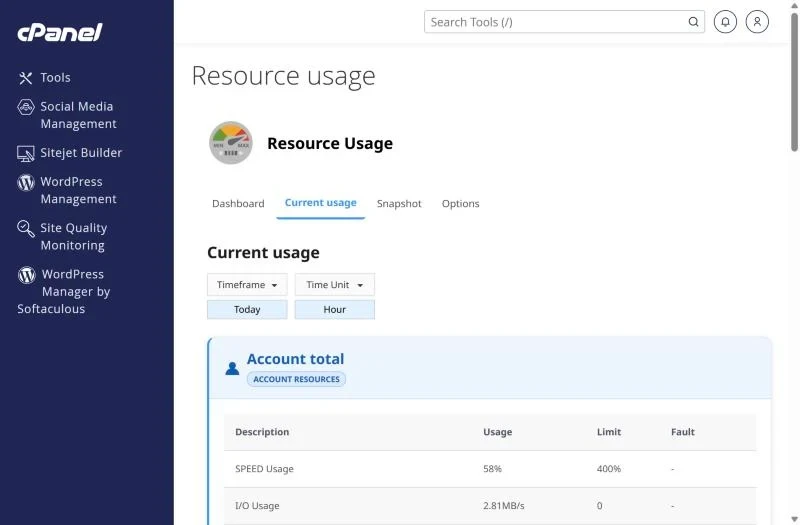
In cPanel go to Metrics → Resource Usage. The Dashboard says whether your account hit limits recently; Current usage shows each resource against your plan's limit, and the Fault column counts how often the limit was reached.
| Limit | What it means | Typical cause |
|---|---|---|
| CPU / SPEED | Processor time your site uses | Uncached WordPress, heavy plugins, bots crawling every page |
| Physical memory | RAM used by PHP processes | Page builders, large imports, memory leaks |
| Entry processes (EP) | Requests running at the same moment | Traffic spikes, slow scripts that never finish, attacks on wp-login |
| I/O | Disk read/write speed | Backups running during the day, huge log files |
| Number of processes | All processes incl. cron and email | Cron jobs started every minute |
Step 2: Turn on caching
A cached page is served without running PHP, so it uses a fraction of the CPU. Our servers run LiteSpeed: for WordPress install the free LiteSpeed Cache plugin and enable page cache. This single change fixes most CPU and entry process faults.
Step 3: Stop bad bots and login attacks
- Check Metrics → Visitors or Raw Access for one IP or bot hitting thousands of pages.
- Block aggressive crawlers you don't need (for example SEO tool bots) in
robots.txtor with a security plugin. - Protect
wp-login.phpandxmlrpc.phpwith a security plugin or limit-login plugin. - Put the site behind Cloudflare's free plan to absorb bot traffic.
Step 4: Find the heavy plugin or script
If faults started after a plugin install or update, disable it and compare the graphs the next day. Known heavy hitters are related-posts plugins, statistics plugins that write every visit to the database, and broken cron jobs. Check Advanced → Cron Jobs for jobs that run every minute – see our cron job guide.
Step 5: Keep the database and disk lean
- Delete old post revisions, spam comments and expired transients (WP-Optimize or similar).
- Remove backup archives and big log files from your home directory – see disk quota exceeded.
- Schedule backup plugins for night time.
When it's time to upgrade
If your site is cached, bots are blocked and the graphs still show regular faults during normal visitor traffic, the site has simply outgrown its plan. Move up a shared plan, or to a VPS where all resources are yours. A busy WooCommerce store usually belongs on e-commerce hosting or a VPS.
Frequently asked questions
Is "508 Resource Limit Is Reached" a server outage?
No. It affects only your account for a short time while it is over its limit; other sites on the server are protected.
Why is my website slow only at certain times?
Usually because of traffic peaks, cron jobs or backups running at that time. Compare the Resource Usage graph with the time it was slow.
Need more power? XMart Host plans run on LiteSpeed with NVMe/SSD storage. Compare shared hosting in PKR with VPS hosting in Pakistan – or read which hosting type you need.